Is Grammarly Worth It Compared to ChatGPT? We Put Both to the Test
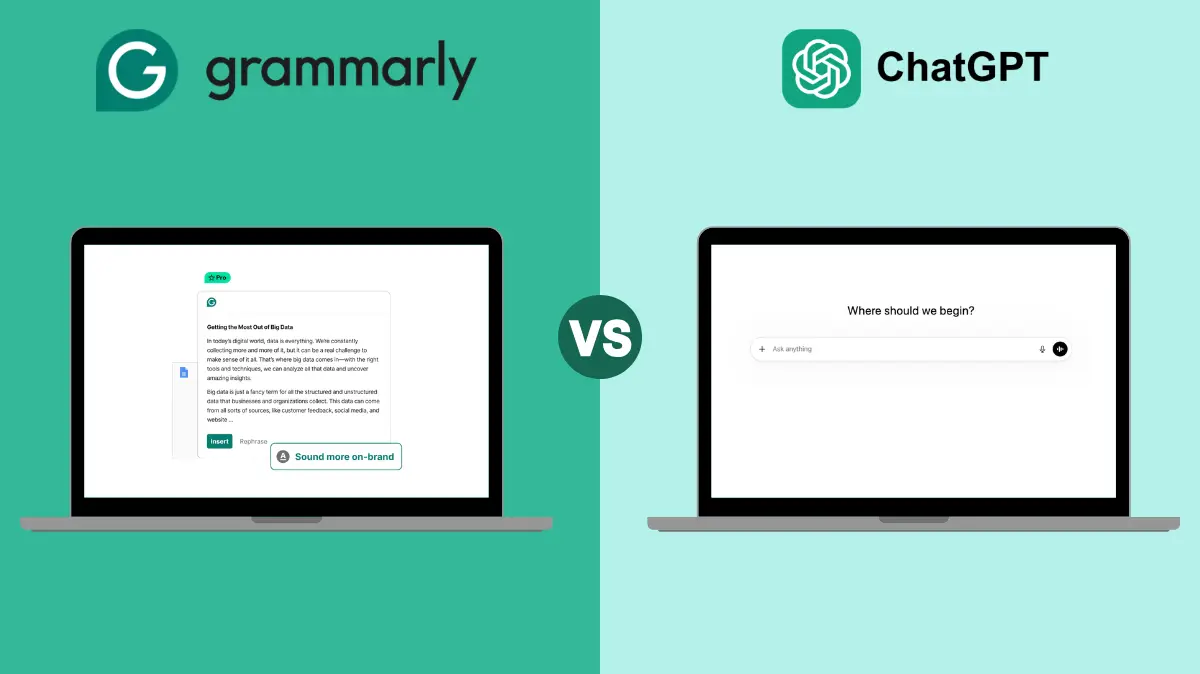

We’ve all spent far too long rewriting a report, questioning every single sentence. Or we’ve hit send on an email or Slack message and instantly wished we could take it back.
As writers, we’ve used Grammarly for years to check spelling and grammar. When AI assistants came along, we quickly realized they could also help with the writing process itself.
That’s why we weren’t sure Grammarly would be worth comparing to ChatGPT at first. But while AI assistants accelerate your writing, there are drawbacks and risks that Grammarly is specifically designed to fix — and you can get started without spending a penny.
To find out which tool is best for writing, we tested both in actual professional situations.
Here’s what we found:
Key Similarities
- Both use AI to help create, edit, or improve text.
- With the right guidance, both can rapidly produce high-quality content.
- They both can suggest ways to improve grammar, clarity, tone, and style.
- Both can help with researching or ideating content.
Key Differences
- Authenticity: Grammarly keeps your writing sounding like you, while ChatGPT can sound generic or obviously AI-generated.
- Workflow integration: Grammarly works directly in email, messages, and documents in real time. With ChatGPT, you usually have to copy and paste between apps.
- Professional credibility: Grammarly helps you avoid AI-generated mistakes and offers fact-checking, citation support, and feedback, so your writing stays polished and credible. ChatGPT requires manual oversight and fact-checking.
- Agentic features (Pro): Grammarly Pro includes AI agents like Humanizer, Paraphraser, Reader Reactions, AI Grader, and plagiarism and fact checkers. ChatGPT doesn’t have these features built in.
- Cost: Grammarly has a free plan, with Pro available at $12/month (annual) or $30/month. ChatGPT has a free plan, with ChatGPT Plus costing $20/month.
Grammarly Overview: Free and Pro
After close review, Grammarly is much more than a spell-checker — and you don’t need to pay to get genuine value from it.
What the Free plan includes
Grammarly Free covers the core essentials: spelling, grammar, punctuation, tone detection, and 100 AI prompts per month. That makes it a solid tool for emails, social posts, and general everyday writing where you mainly need a quick proofread or a bit of AI assistance. If you’re a casual writer, Free is a practical choice that costs nothing.
What Pro adds
Grammarly Pro is built for heavier, higher-stakes writing. It works directly where you write — Google Docs, Word, Slack, email — and adds full-sentence rewrites with one click, more direct tone adjustment, and fluency improvements for writing in English. The AI prompt limit jumps from 100 to 2,000 per month, which makes a real difference if you’re writing daily.
Pro also adds tools that casual writers rarely need but professionals rely on: Citation Finder, Fact Checker, AI Grader, and Plagiarism Checker. For editorial, academic, or client-facing work, these aren’t nice-to-haves — they’re what keep your credibility intact.
The Humanizer tool helps rewrite sections that sound AI-generated, while Paraphraser lets you switch register — human, academic, professional, creative, or simple — in a click. The Reader Reactions tool shows what readers are likely to remember and flags any gaps.
Who should choose which
Choose Free if you mainly need grammar cleanup and occasional AI help for shorter writing. Choose Pro if you write daily for work, manage client content, handle academic material, or regularly need rewrites and plagiarism checking. For most casual users, Free is the practical starting point; for heavy writers, Pro tends to pay for itself in saved time.
At $12/month on the annual plan, Pro still undercuts ChatGPT Plus at $20/month — and it comes with far more writing-specific tooling than a general AI assistant.
ChatGPT Overview
ChatGPT is a popular AI assistant that can generate text on just about any topic. It’s great for brainstorming, sparking ideas, and immediately drafting documents from scratch.
With the right prompts, it can adjust tone and style and even provide feedback — but you need to anticipate and correctly prompt what feedback you want.
For professional writing, ChatGPT isn’t ideal on its own. Text often has to be manually pasted and carefully edited to stay authentic. Constantly switching between platforms to copy and paste content disrupts workflow and leads to inaccuracies. ChatGPT also frequently fabricates information, so everything needs manual fact-checking.
Our Verdict
ChatGPT is a useful tool, but it’s not a full replacement for high-stakes writing — and it doesn’t have a free tier that matches what Grammarly Free offers out of the box.
Professional communication goes beyond good grammar. It’s how you build trust, influence decisions, and connect with people. Grammarly meets you where you already write, helps you sound like yourself, and gives you real-time feedback at every stage — from first draft to final polish.
The best place to start? Try it for free and see how it fits into your workflow. If you write professionally and find yourself hitting the limits of the free plan, Pro is there when you need it.